

Mimaki UV Printed window graphics

How to Make Standout Window Graphics – A Practical Guide Using UV Printers

Bring Glass to Life with Layered Print and White Ink

Window graphics are a powerful tool for branding, promotion, privacy and decoration. Whether it’s for a retail shopfront, an office partition or a hospitality setting, creating effective window visuals starts with knowing how to work with clear or translucent materials. This guide walks you through the essentials – with a focus on how white ink is key to impact.

What Are Window Graphics?

They’re prints applied to glass or clear acrylic, often using transparent or semi-transparent films. Depending on the need, they can be promotional (sale signage), decorative (branding or frosted effects), or functional (privacy screens or wayfinding).


Step-by-Step: How to Create Professional Window Graphics

  1. Select the Right Material
    Choose a suitable media such as clear PET film, optically clear vinyl, or frosted glass-effect film – depending on the desired outcome.
  2. Design for the Medium
    Create your artwork with layers in mind. For graphics visible from both sides or for backlit use, you’ll need to incorporate white ink between CMYK layers.
  3. Load the Media and Prepare the Printer
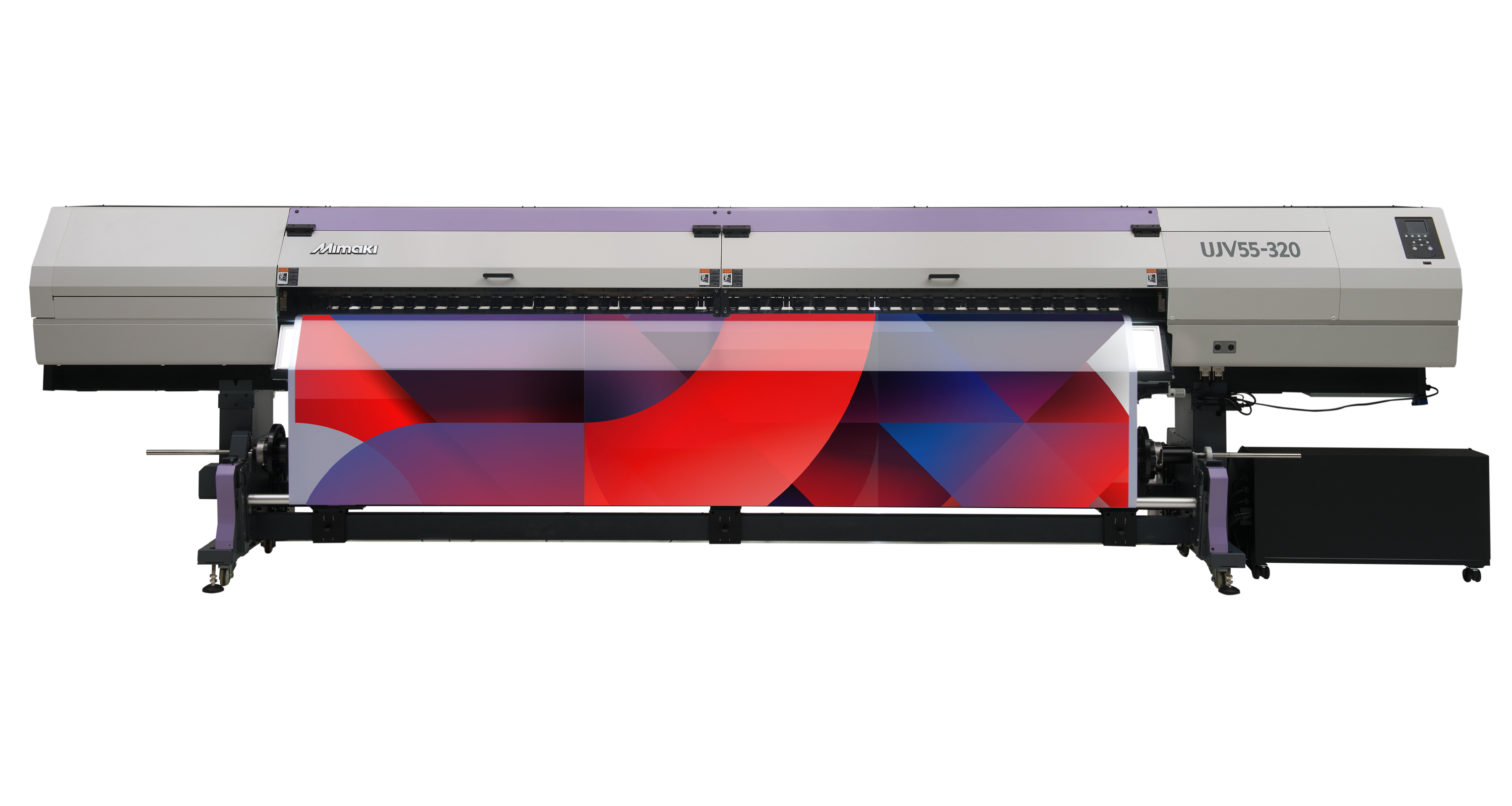
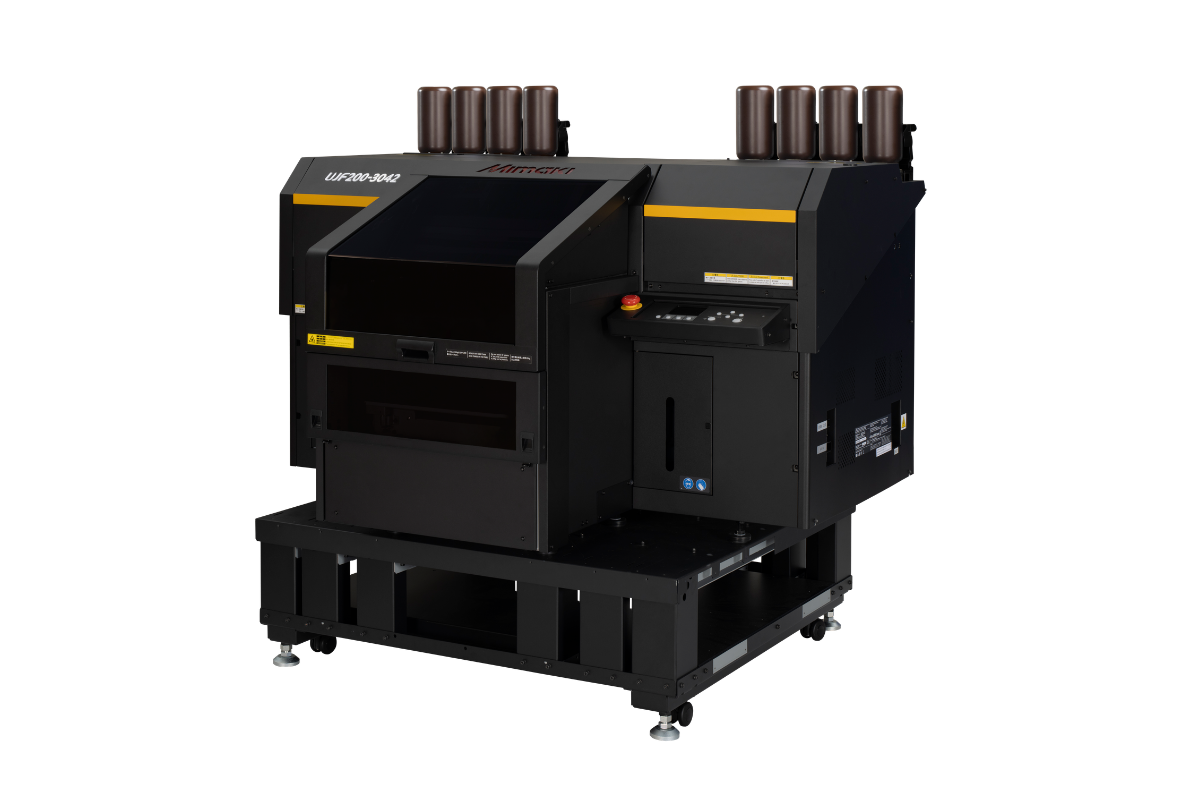
    Set up your Mimaki UV printer (e.g., UJV100 or JFX Series) with the correct media profile. Make sure white ink is enabled in the RIP settings.
  4. Print in Multi-Layer Mode
    Using RasterLink, set up a print order such as colour > white > colour (for double-sided graphics) or colour > white (for single-sided prints on clear film). This ensures that colours are vivid and readable against any background.
  5. Cure and Finish
    The UV curing process means the print is ready to apply immediately. Trim as required and apply using a wet or dry application method depending on media choice.
  6. Install with Care
    Align carefully, use a squeegee to remove air bubbles, and finish with edge sealing if required for long-term outdoor use.
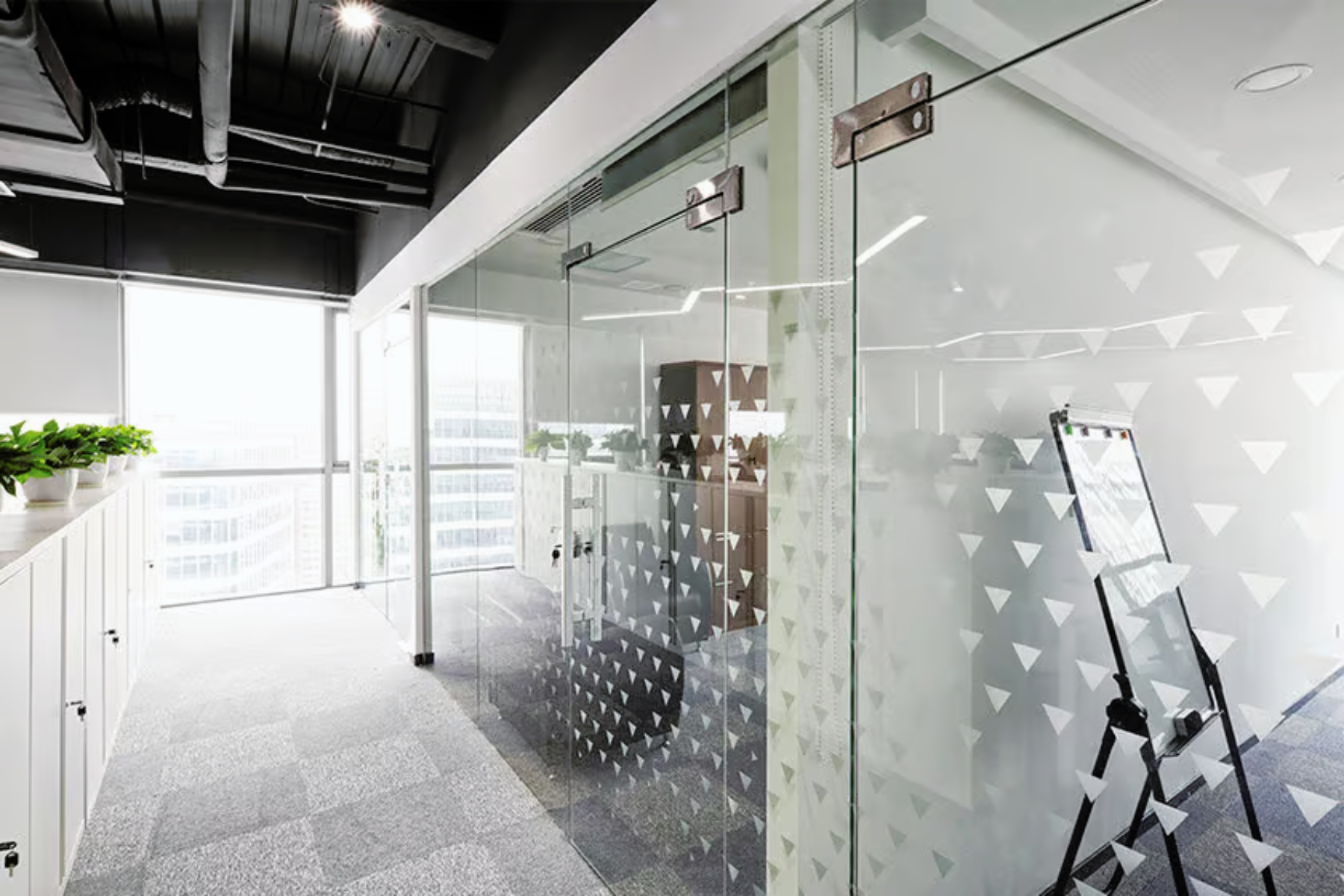
An office window showing Mimaki printed window graphics and manifestation

How White Ink Enhances Window Graphics

Without white ink, your colours will appear transparent or washed out on glass. Mimaki’s UV white ink provides high opacity and clean separation between layers, allowing for brilliant colour reproduction, strong contrast, and visual clarity in both daylight and artificial light.

Mimaki Tip

Experiment with different layering combinations for day/night or dual-visibility graphics.

Mimaki’s UV printers are capable of handling complex multi-layer jobs with a single pass – saving time and improving consistency.

Recommended product

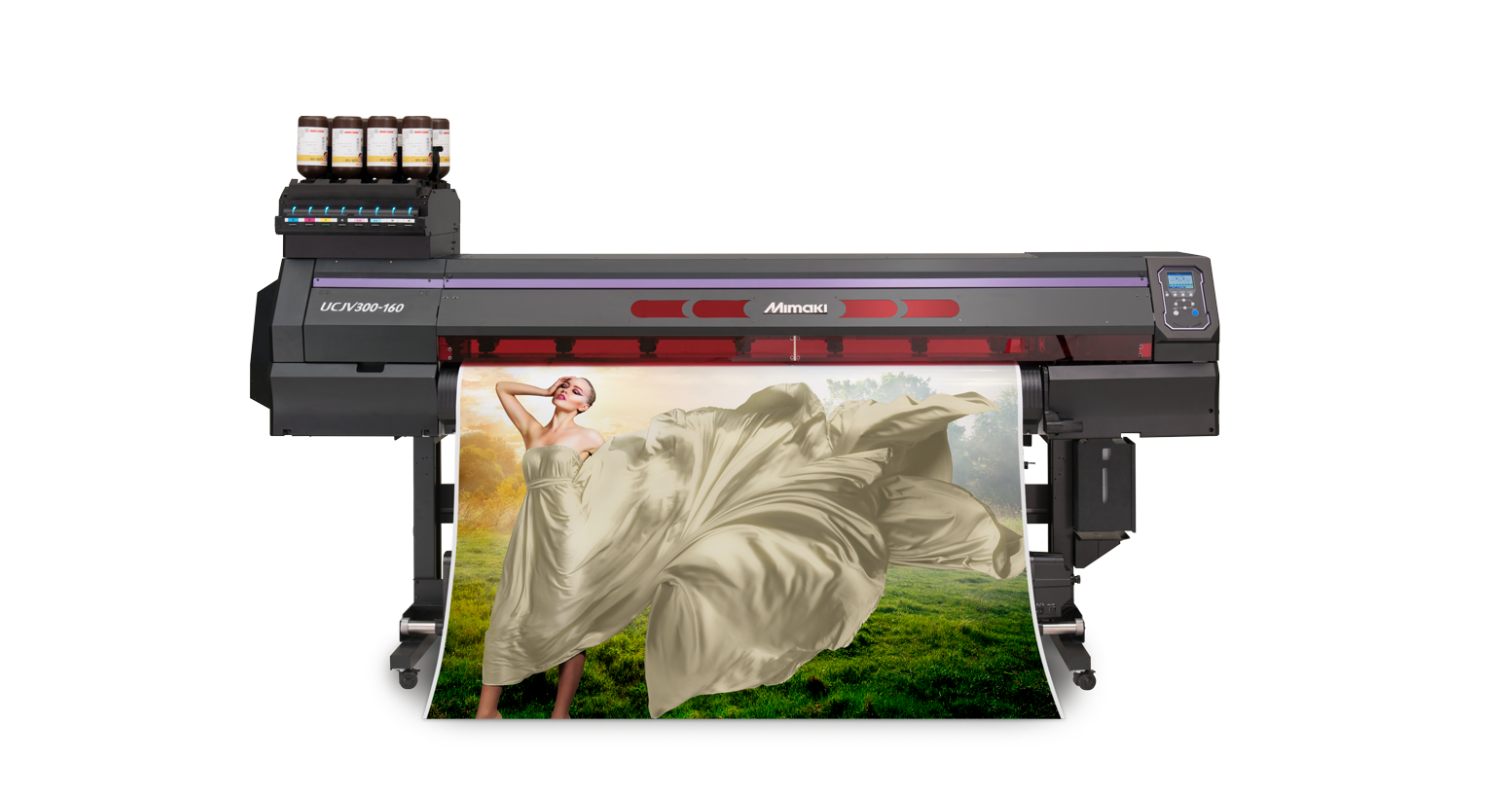
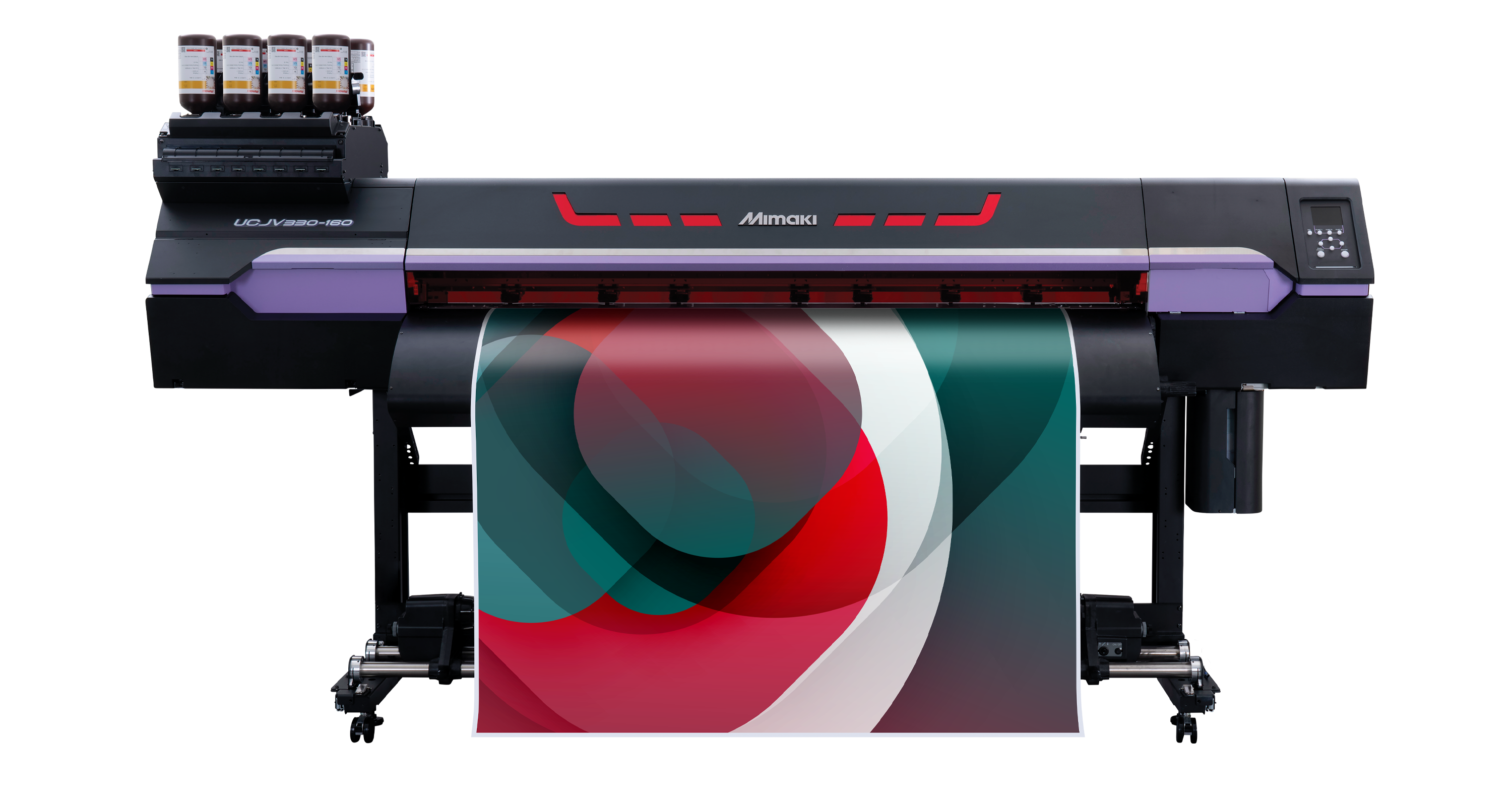
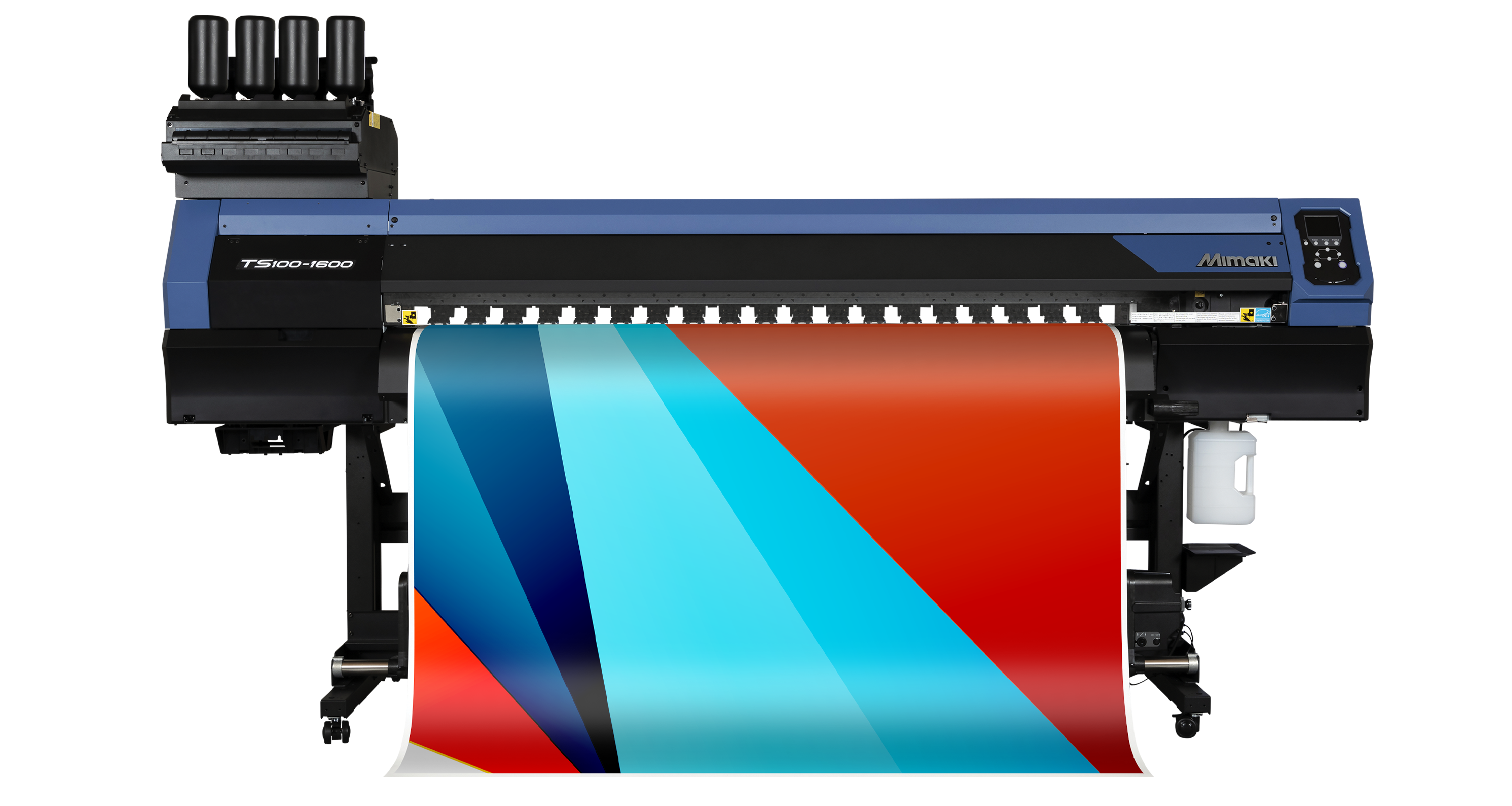
Mimaki UCJV330-160

The UCJV330-160 is the flagship Mimaki UV printer / cutter that delivers ultimate creativity and productivity coupled with ultra-low running costs.