

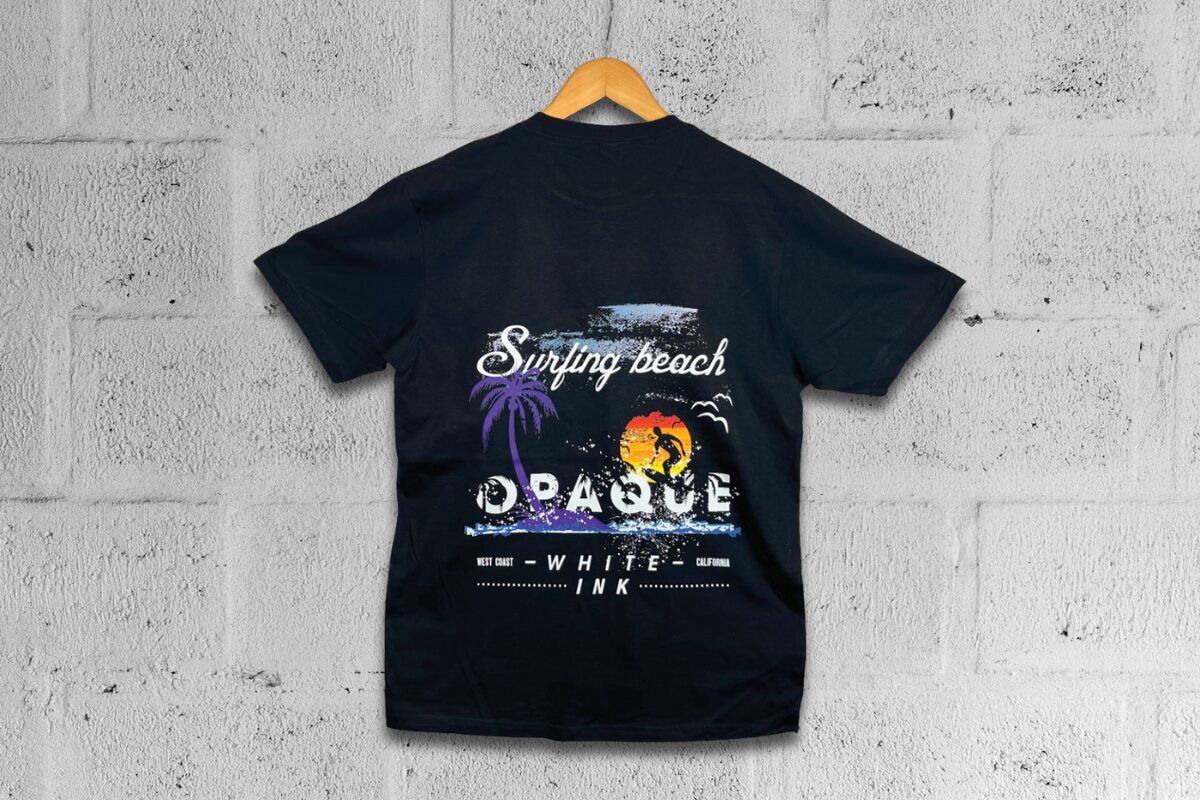
Mimaki DTF printed black t-shirt

How to Print T-Shirts Using a DTF Printer – and Why White Ink Matters

Getting Started with DTF Printing

Direct to Film (DTF) printing is one of the most accessible and versatile garment decoration methods on the market today. If you’re new to it, this quick-start guide will take you through the basics of how it works, what you’ll need, and why white ink plays such a critical role in achieving vibrant, long-lasting results – especially on darker garments.

What is DTF Printing?

DTF is a method where your design is printed in reverse onto a special film using textile inks. Once printed, a powdered adhesive is applied and cured to the ink layer. This film is then heat-pressed onto a garment, transferring the design cleanly onto the fabric.

Unlike screen printing or DTG, DTF doesn’t require pre-treatment of garments, making it ideal for short runs, full-colour designs and printing on a wide range of materials, including cotton, polyester and blends.

Step-by-Step: How to Print a DTF T-Shirt

  1. Prepare Your Artwork
    Design your graphic using professional design software. Make sure it’s set up in reverse (mirror image) so it appears correctly when transferred to the garment.
  2. Print onto the Film
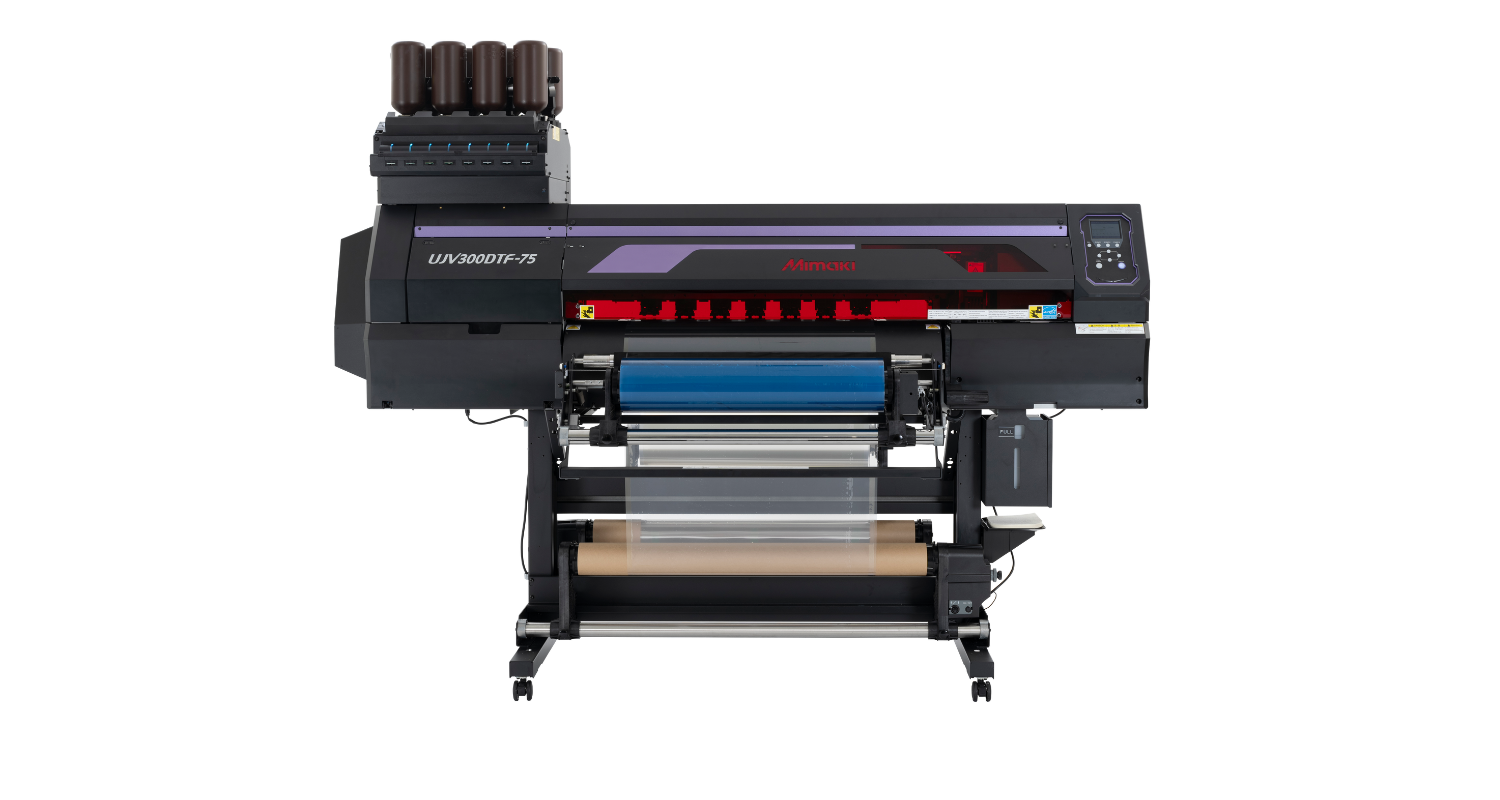
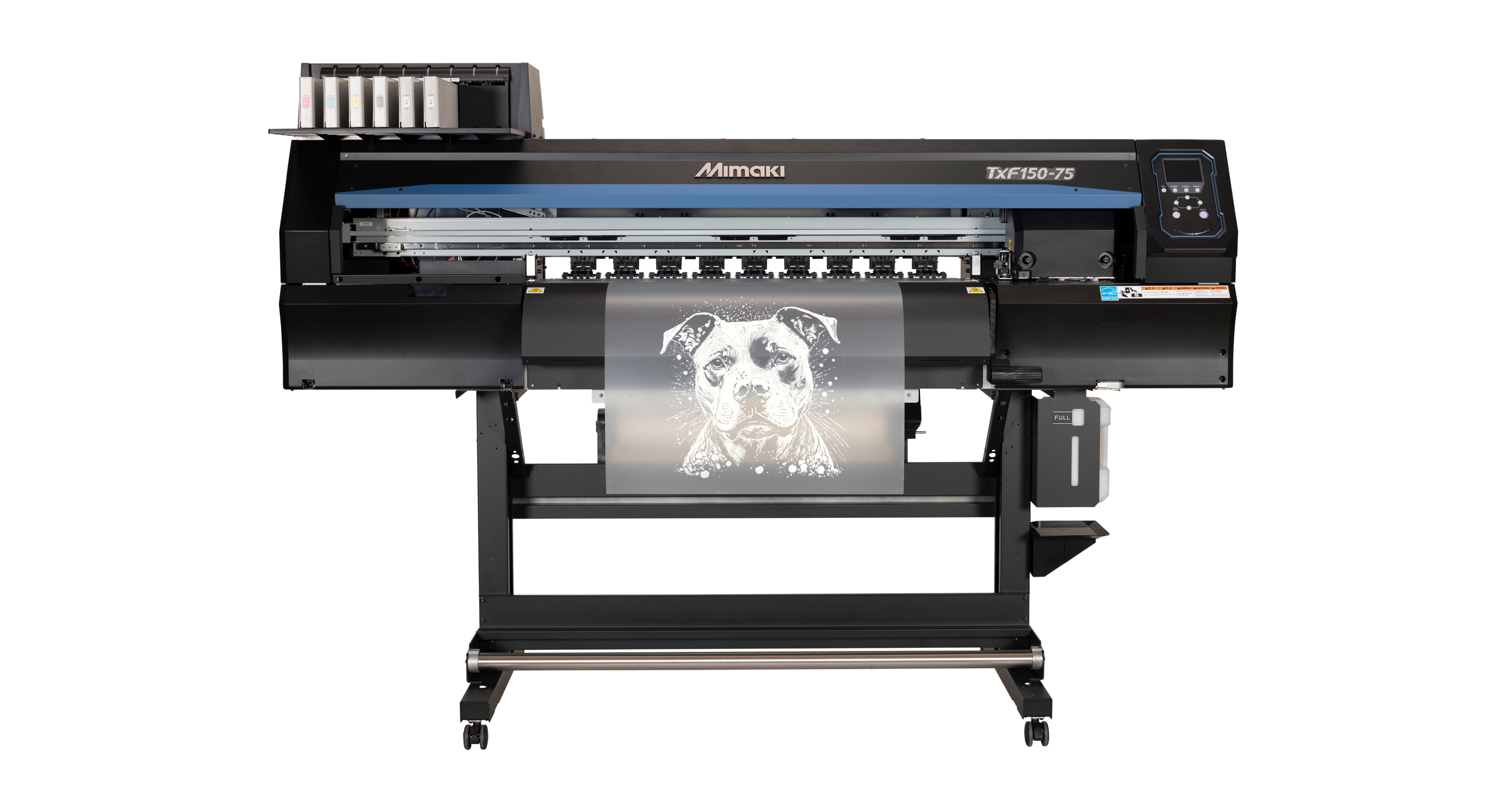
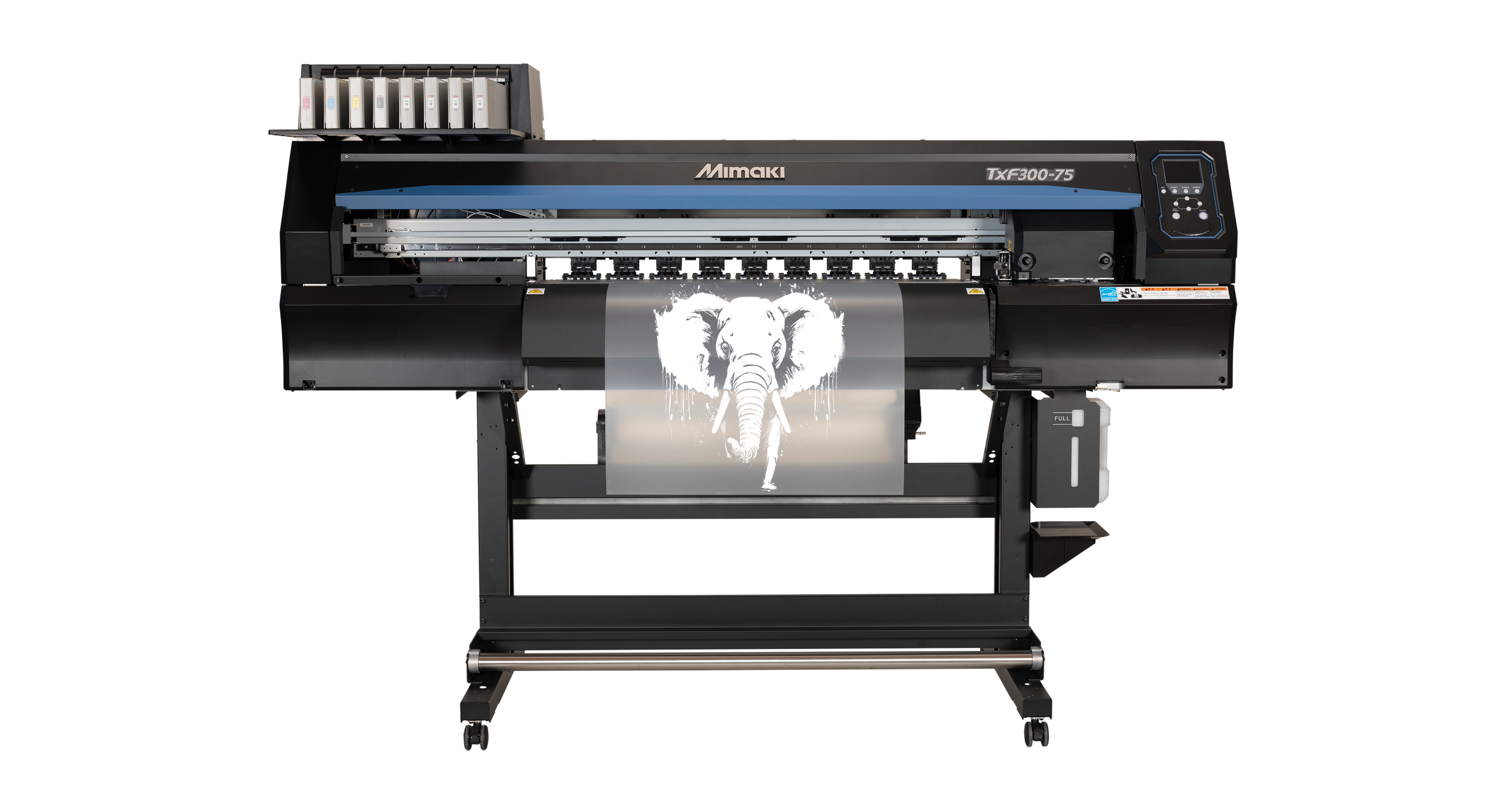
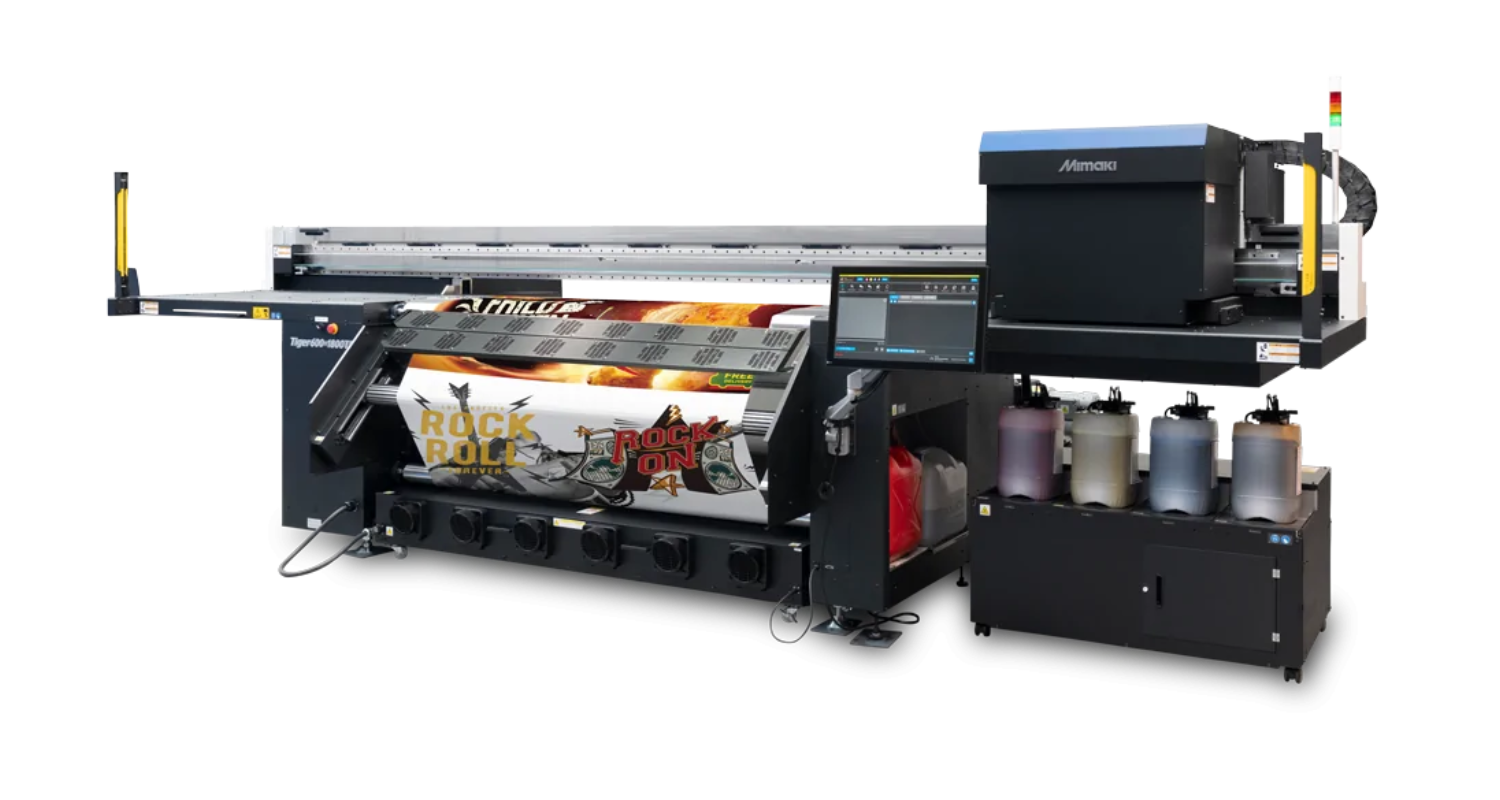
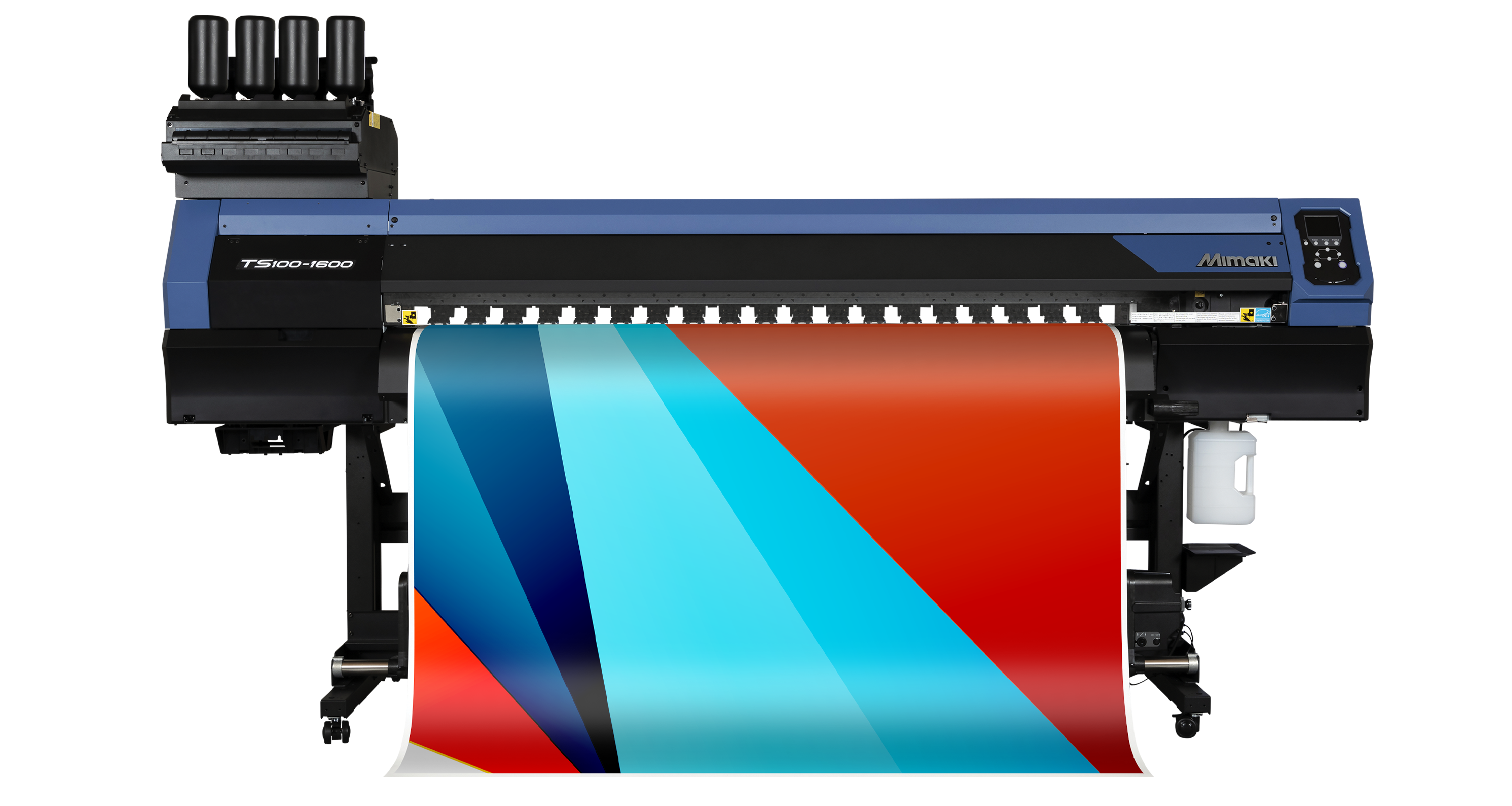
    Using a dedicated DTF printer like the Mimaki TxF150-75 or TxF300-75, print your design in mirror format onto PET film or special paper. The printer will first lay down CMYK inks, followed by a layer of white ink on top — so that the white sits behind the colours when the print is transferred onto the fabric.
  3. Apply the Adhesive Powder
    While the ink is still tacky, coat the print with hot-melt adhesive powder. This ensures a secure bond between the design and the garment.
  4. Cure the Film
    Heat the printed film using a curing unit to melt and fix the adhesive.
  5. Transfer the Design
    Place the cured film face down on your garment and heat-press it at 160–170°C for around 15–20 seconds.
  6. Peel and Finish
    Once cooled (cold peel), remove the film backing to reveal your full-colour design. For extra durability, a short second press is often used to lock in the print.
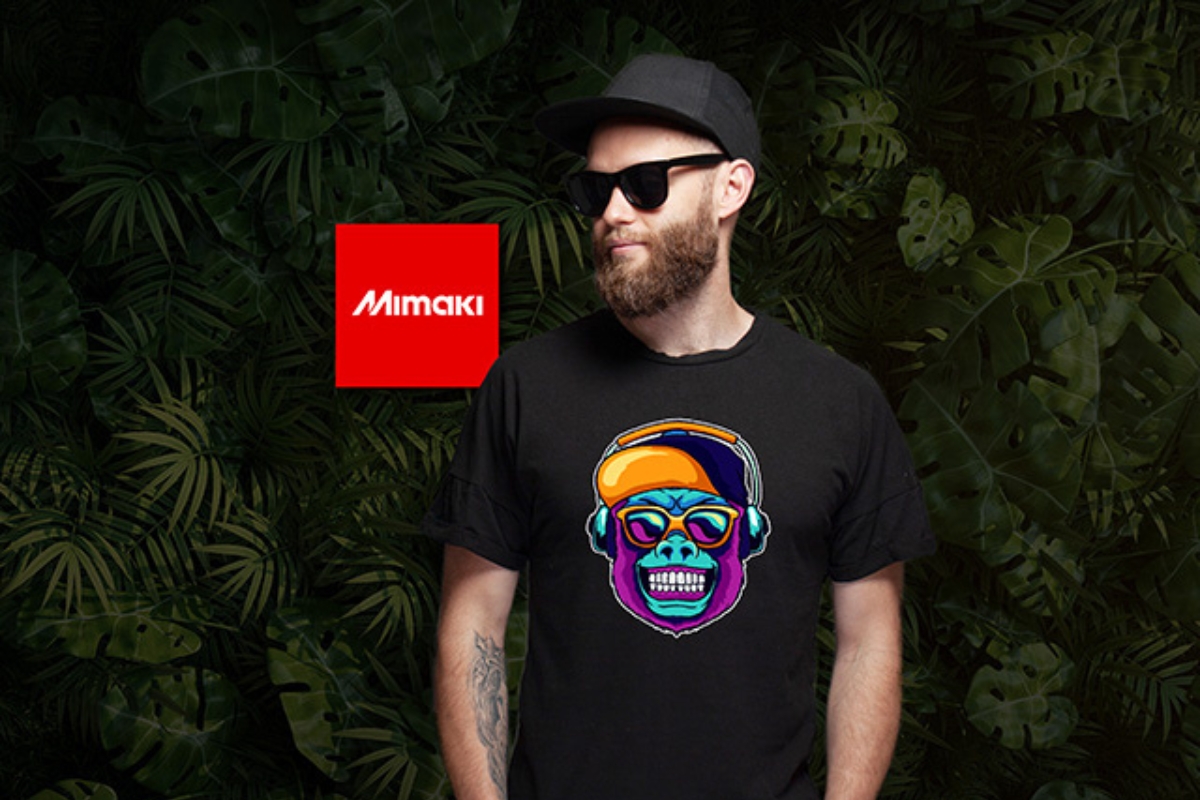
A person wearing a black tshirt featuring a printed and cut out motif

Why White Ink is Essential in DTF

White ink acts as the foundation for your colours. Without it, designs printed onto dark or coloured garments will lose impact and clarity. Mimaki’s white DTF ink is engineered for excellent coverage and elasticity – ensuring colours appear bold and designs stay crack-free through repeated wear and washing.

Mimaki Tip

Use RasterLink RIP software to control white ink layering and ensure perfect alignment. With Mimaki’s ink and hardware combination, DTF printing is consistent, clean and commercially reliable.

Recommended product

Mimaki TxF300-75

Offering high production capacity, the Mimaki TxF300-75 DTF printer is a safe and stable solution that's packed with Mimaki Core Technologies. Print directly onto DTF film or paper with OEKO-TEX certified inks.